
The Websites Screenshot DLL is a .NET Class Library to render website page. It allows you to capture website page and create full size screenshot or thumbnail preview in a number of different formats like JPG, GIF, PNG, BMP and TIF. You can use this dll for the following web or windows programming task.
To capture full size screenshot of website page.
To create thumbnail image of website page.
To convert HTML code to image.
Websites Screenshot DLL is very flexible, powerful and fast. It includes many options to customize the webpage image capturing process. Suppose you want to produce a 200 x 300 PNG thumbnail image of the www.msn.com. This is the code you need.
C# .NET code sample: (Add reference to WebsitesScreenshot.dll in your project.)
Namespace: WebsitesScreenshot
WebsitesScreenshot.WebsitesScreenshot _Obj;
_Obj = new WebsitesScreenshot.WebsitesScreenshot();
WebsitesScreenshot.WebsitesScreenshot.Result _Result;
_Result = _Obj.CaptureWebpage("http://www.msn.com");
if (_Result == WebsitesScreenshot.
			WebsitesScreenshot.Result.Captured)
{
	_Obj.ImageWidth = 200;
	_Obj.ImageHeight = 300;
	_Obj.ImageFormat = WebsitesScreenshot.
		WebsitesScreenshot.ImageFormats.PNG;
	_Obj.SaveImage("c:\\msn.png");
}
_Obj.Dispose();
And here is the thumbnail you get.

However, if you don't want to save your image to a local file, you can also get it in a memory object. You can use this component in any .NET supported languages (VB, C#, ASP etc...)
Key Features
- Generate website thumbnail image.
- Capture full size screenshot of any web page.
- Convert HTML to image.
- Support saving resulting image both to local file and in memory.
- Take a snapshot of a whole webpage into one image without scrollbars.
- Ability to retrieve page for capturing via HTTP, HTTPS, or from a local file.
- Supports JPG, GIF, PNG, BMP and TIF image formats.
- Ability to set JPEG quality (compression) percent.
- Works both in 32-bit and 64-bit environments.
- Assemblies for .NET 2.0 and .NET 4.0
- No printer driver or any third party tools.
- Supports capturing site with flash content.
- Get links, title or html source of a page.
- Ability to enable or disable scripts, ActiveX, Java.
- Ability to set timeout seconds of web page to load.
- Supports delayed snapshots of web page.
- Configurable capture area width and height.
- Multithreaded architecture for simultaneous processing of multiple requests.
What's New in The Latest Version
Preserve the original aspect ratio when saving the image with given width or height. It is use full when you want to save the fixed width thumbnail or fixed height thumbnail image (PreserveAspectRatio).
HTML utility methods added:
GetHtmlDocument: You can get the HTML document (IHTMLDocument2) of the captured website page.
GetDocumentTitle: Get the title of the web page just snapped.
GetDocumentText: Get the text content of the web page just snapped.
GetDocumentLinks: Get the URLs of links on the web page just snapped.
GetDocumentImages: Get the URLs of images on the web page just snapped.
GetDocumentFrames: Get the URLs of frames on the web page just snapped.
(Version History)
Sample Output Images (click on thumbnail to see full size screenshot)
| www.youtube.com 100 X 200 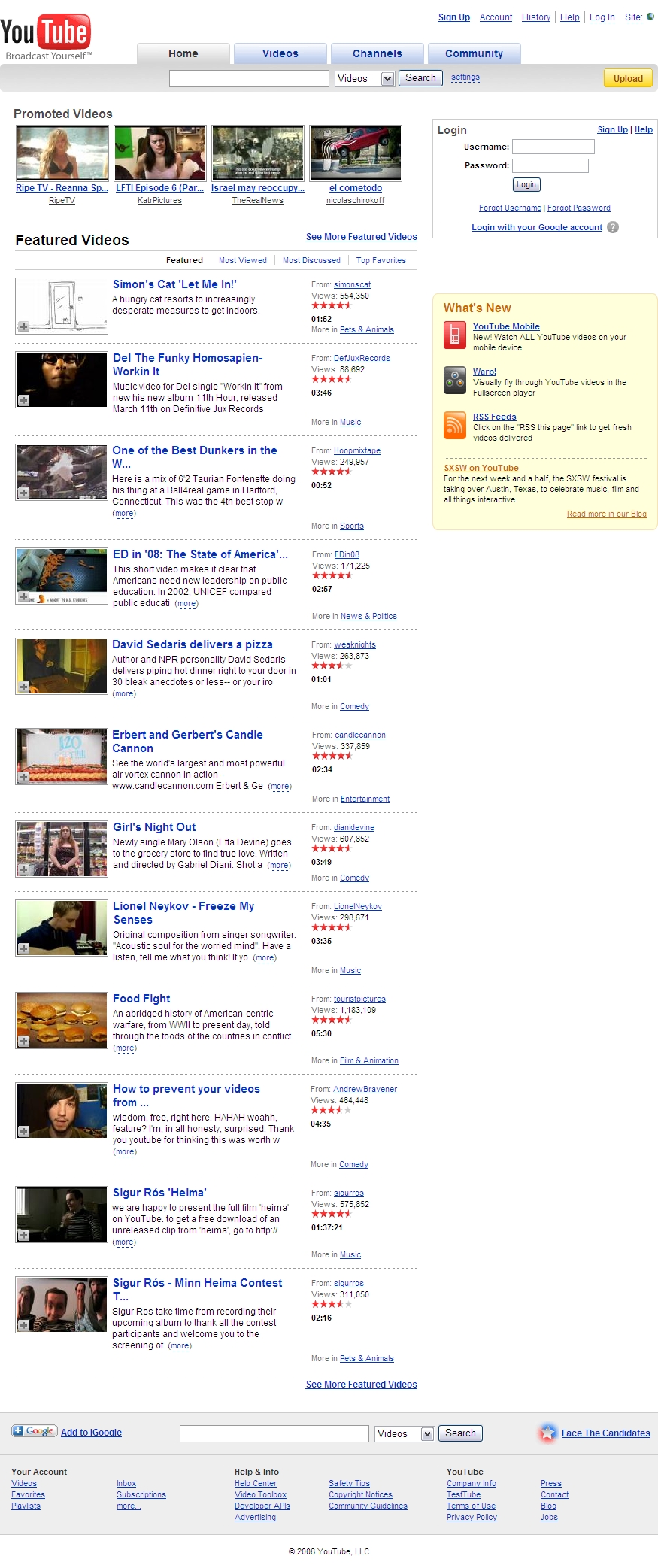 |
www.myspace.com 100 X 200 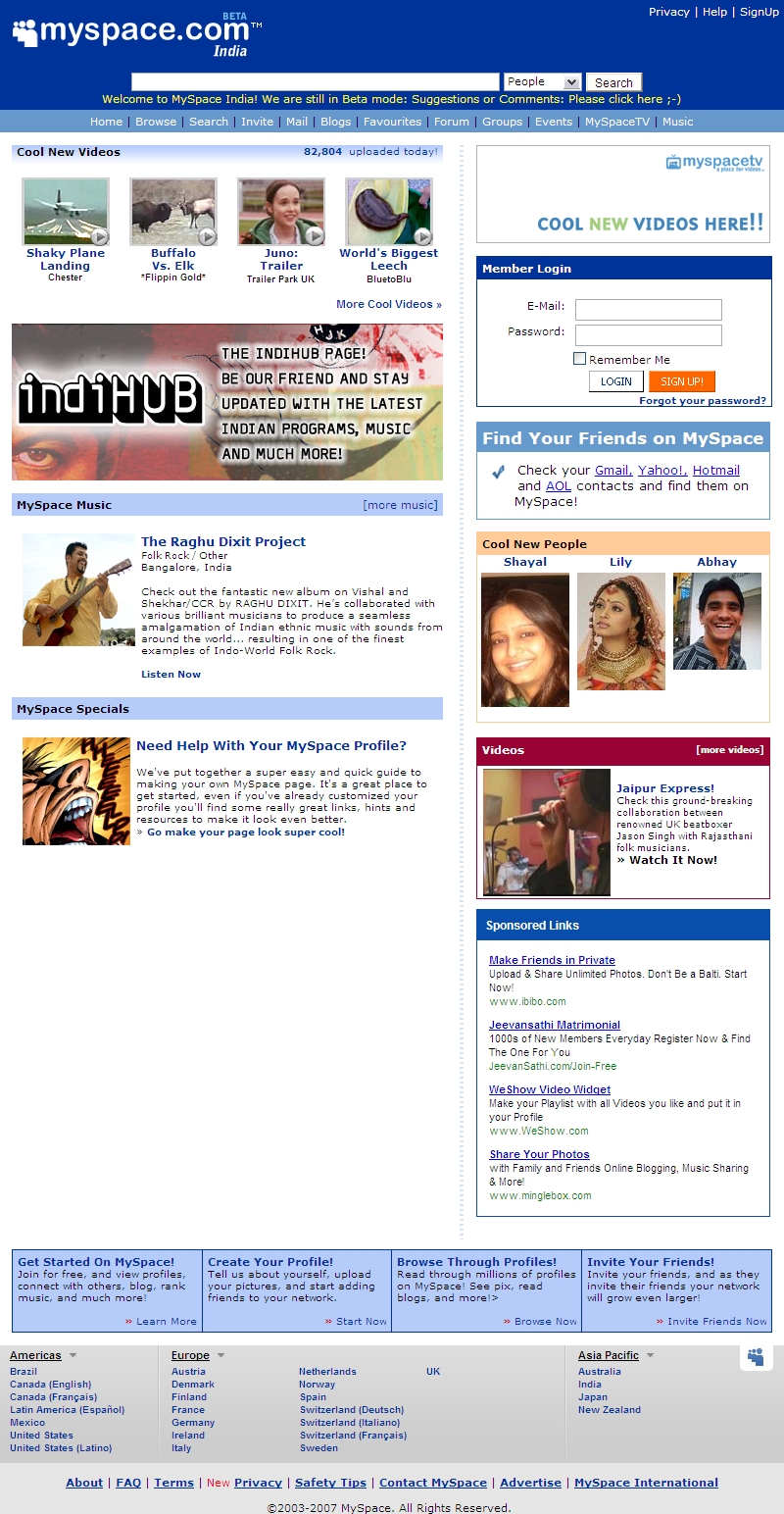 |
www.amazon.com 100 X 200 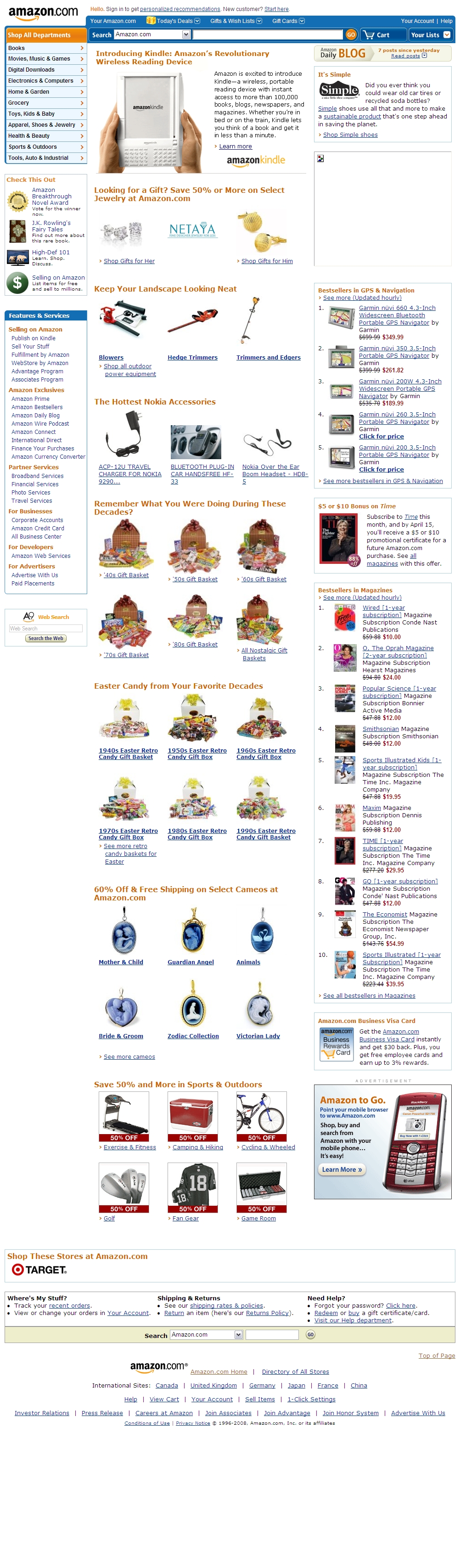 |
www.blogger.com 90 X 100  |
| www.msn.com 100 X 150 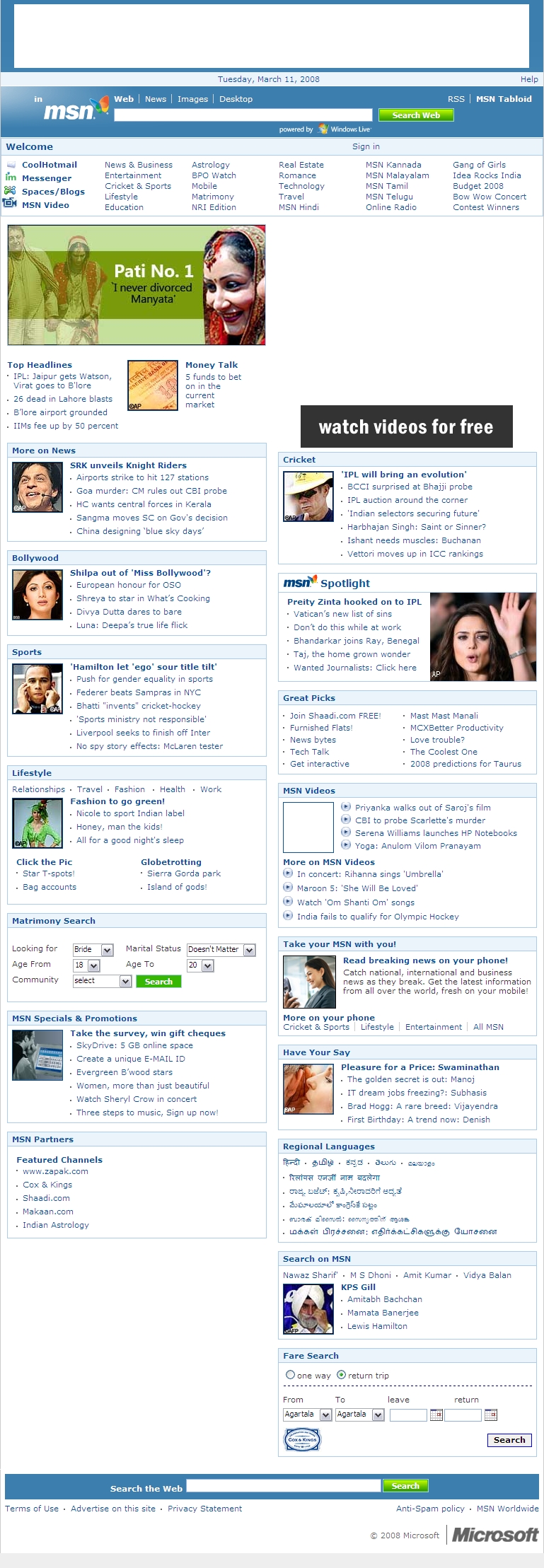 |
www.yahoo.com 90 X 120  |
www.about.com 100 X 150 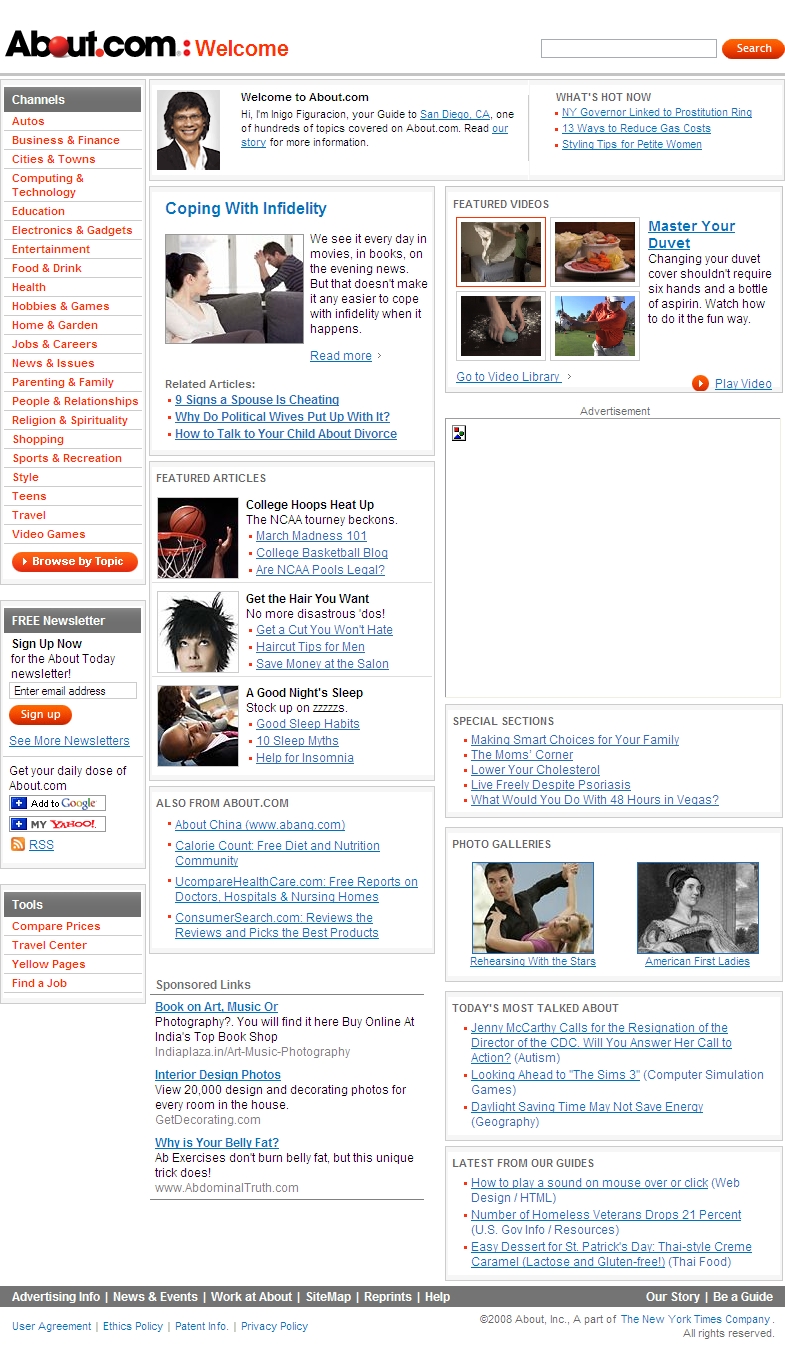 |
www.ebay.com 100 X 110 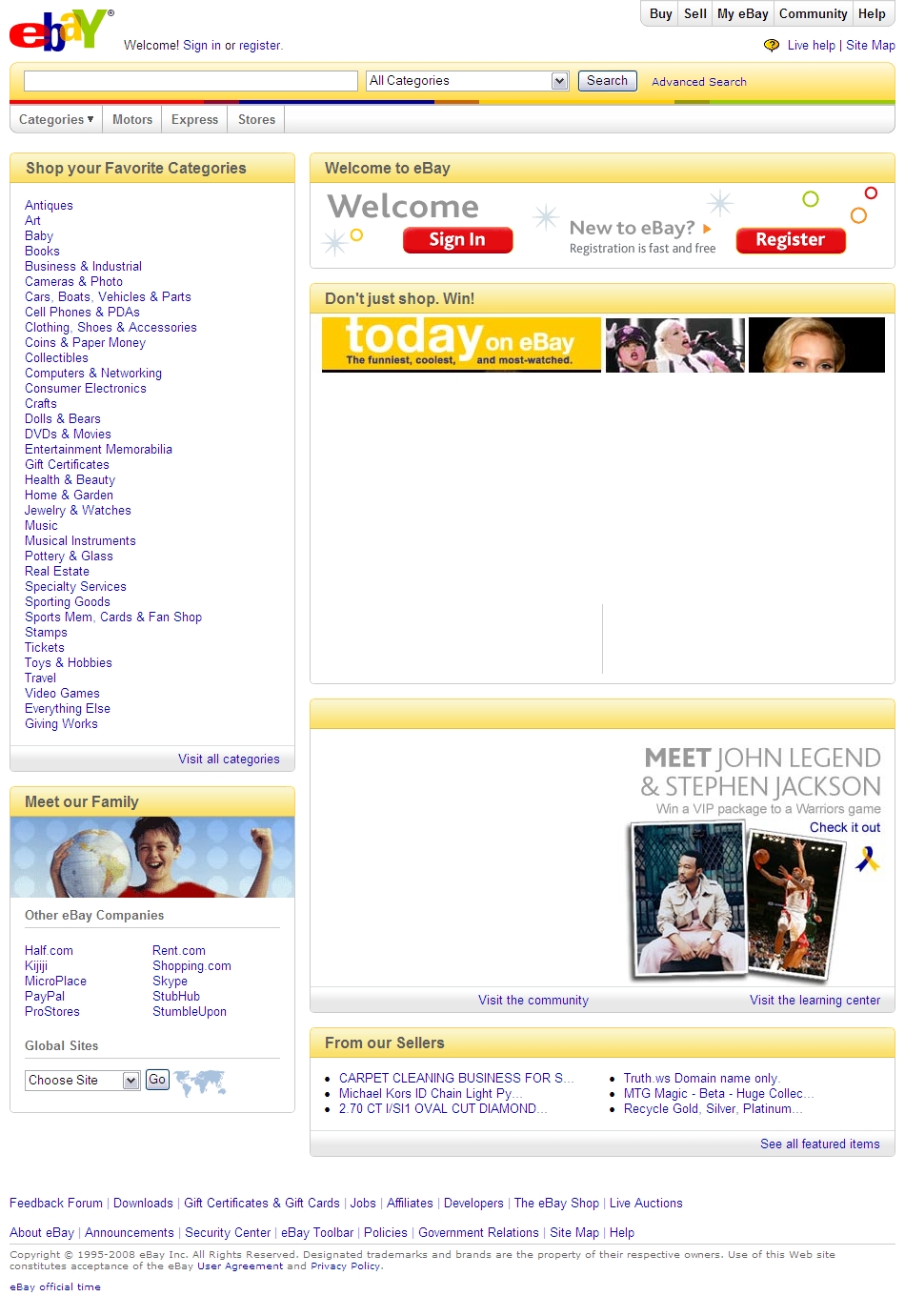 |
FAQ
How to capture screenshot of website from URL in C# (C-Sharp)?
How to generate thumbnail image of webpage in C-Sharp .NET?
How to convert HTML to image (JPG, GIF, PNG, BMP and TIF) in C-Sharp?
How to make full size snapshot of webpage in C# .NET?
How to save webpage as image in CSharp?
How to create thumbnail image of website page in C-Sharp .NET?
How to render HTML as JPG in C#?
How to take screenshot of website using C#?
Why there is gray cross watermark on the image with trial version?